

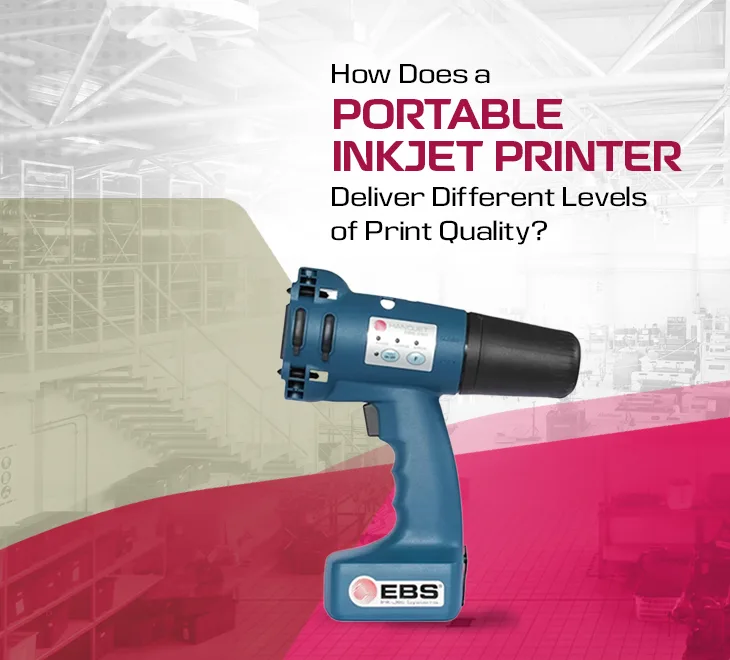
The portable inkjet printers have now become very popular in Oman for people who need to print in the time of travelling or working outside the office. Many sales teams, small business owners, and frequent travellers use these devices to print invoices, labels, or tickets instantly. The clear and detailed prints always depend on the ink and paper used, and how the printer is set up.
Inkjet Technology and Print Heads
The print head remains the central component that makes printing possible. It always releases tiny ink droplets through nozzles to produce sharp text and images on every page or surface. A portable inkjet printer Oman commonly uses thermal or piezoelectric print heads. These heads control the ink droplet and sharpen the final print's look. Better nozzle design and density can make a big difference in the overall print quality.
-
Piezoelectric heads use vibrations to place droplets precisely.
-
A higher number of nozzles usually results in sharper text and images.
Proper Resolution Settings
The overall look of a print largely depends on its resolution, measured in dots per inch (DPI), which is a standard unit used today. Most users of portable inkjet printers choose between draft, standard, and high-resolution modes. You can also control the proportion of speed, ink usage, and print quality by modifying these settings easily. When using a portable inkjet printer Oman for work or travel, the resolution setting can have a significant impact.
-
Draft mode prints are much faster because they use a smaller amount of ink throughout the process.
-
For documents or photographs that must appear professional, high-resolution settings work best.
Types of Ink and Cartridge Quality
-
Pigment-based inks create sharper text that holds up better against fading and smudging.
-
Compared to generic or refilled cartridges, genuine cartridges typically produce better results.
Paper Relevance and Quality
Nowadays, the final appearance of your prints is always greatly influenced by the paper you select. A portable inkjet printer Oman can handle different paper types, and the results depend on the paper’s weight, coating, and finish. Use of the right paper helps the ink set properly and keeps images clear and sharp.
-
Use high-quality photo paper for images to stop ink from spreading.
-
Plain paper is fine for drafts with detailed graphics.
-
Papers with special finishes, such as matte or glossy, can change how deep and sharp the colours appear.
User Maintenance and Settings
-
Run regular nozzle checks and cleaning cycles to maintain clear, sharp prints.
-
Adjust the print settings for every project rather than using the same default setup each time.
Smarter Portable Printing for the Future
Portable inkjet printers have transformed how we work by proving that top-quality printing can be done anywhere. By adjusting to different technological advancements, these printers operate more efficiently and quickly. Professionals, students, and tourists now have exciting opportunities to print with confidence wherever they go. Furthermore, portable printing has a promising future with its versatility and quick turnaround times.
 Categories
 Our Brands